
In today’s information-rich world, it is often more difficult to turn messy ideas into clear structures than to create ideas themselves. Whether planning an activity, building a complex project, or sorting out study notes, mind mapping is the best way to connect ideas.
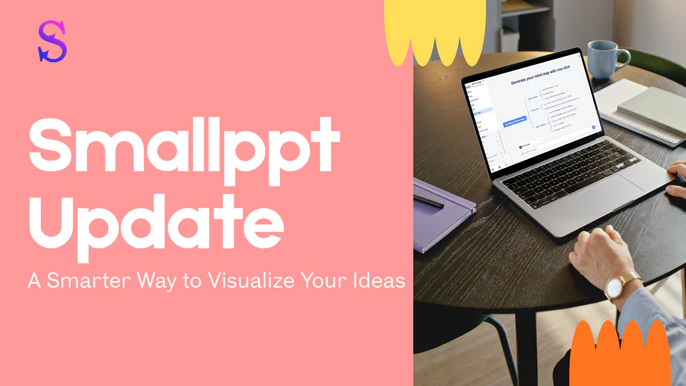
Today, we’re excited to introduce the new upgrade of Smallppt. We have not only rebuilt the core mind mapping experience but also leveraged AI with advanced customization features, so you can enjoy unprecedented visual freedom while organizing your ideas.
AI Mind Map Generator: Create Mind Maps from Files and Links
Traditional mind maps often require manual input of each node, which is time-consuming and breaks your focus. Now, Smallppt supports generating mind maps directly from files or links.

Whether you have a complex PDF document or a webpage link containing a lot of information, simply import your content with one click, and AI will automatically analyze the core logic for you, instantly generating a structured mind map.
Redefining Personalization: Full Control from Color to Font
We are well aware that every creator's aesthetic is unique. In this update, we significantly improved customization:
Real-time display of theme preview: When choosing a theme, you can preview the font style and color scheme in real time without clicking on the application, and what you see is what you get, making design adjustments more intuitive.
Intelligent classification and screening: You can filter topics by color classification. Whether it is business blue, warning red, or fresh green, allowing you to quickly locate themes in a long list and eliminate endless scrolling.
Flexible layout options: We optimized the presentation form of the theme across the interface. You can choose a more intuitive tile style, or you can use a space-saving drop-down box style. There’s always an option that fits your workflow.
- On the left side of the page, select a Theme to choose from or personalize it.


- When creating a slideshow, select Creative Slides (Beta) to allow the theme page to display in a grid layout.


- After creating the slideshow, you can find the theme in the upper-right corner of the page. Clicking it will expand a dropdown menu for you to choose from.

Presentation Project: More Professional Watermark and Visual Customization
For users who often need to turn mind maps into presentations, we have brought two substantive updates:
Icon customization: Icons in presentation projects now support independent setting of line thickness and color. This means that you can make the icons blend perfectly into your brand color system and make the visual details of each page of the presentation fit perfectly.

Brand Logo (for free users): In order to let more users experience quality service, we added the Smallppt brand logo in the lower right corner of the free presentation project.

Why Choose Smallppt?
Among many mind mapping tools, we always adhere to the idea that tools should adapt to people, not people to adapt to tools.
Through this update, Smallppt is an end-to-end productivity platform/full-process productivity platform integrating AI generation, deep customization, and presentation output. Whether you're a student, product manager, or creator, you can find the most suitable expression here.