



Text to PowerPoint Converter Online
Professional Text to PPT, beautifully simplified.


Trusted by over 10 million users around the world





How to Convert Text to PowerPoint Presentations
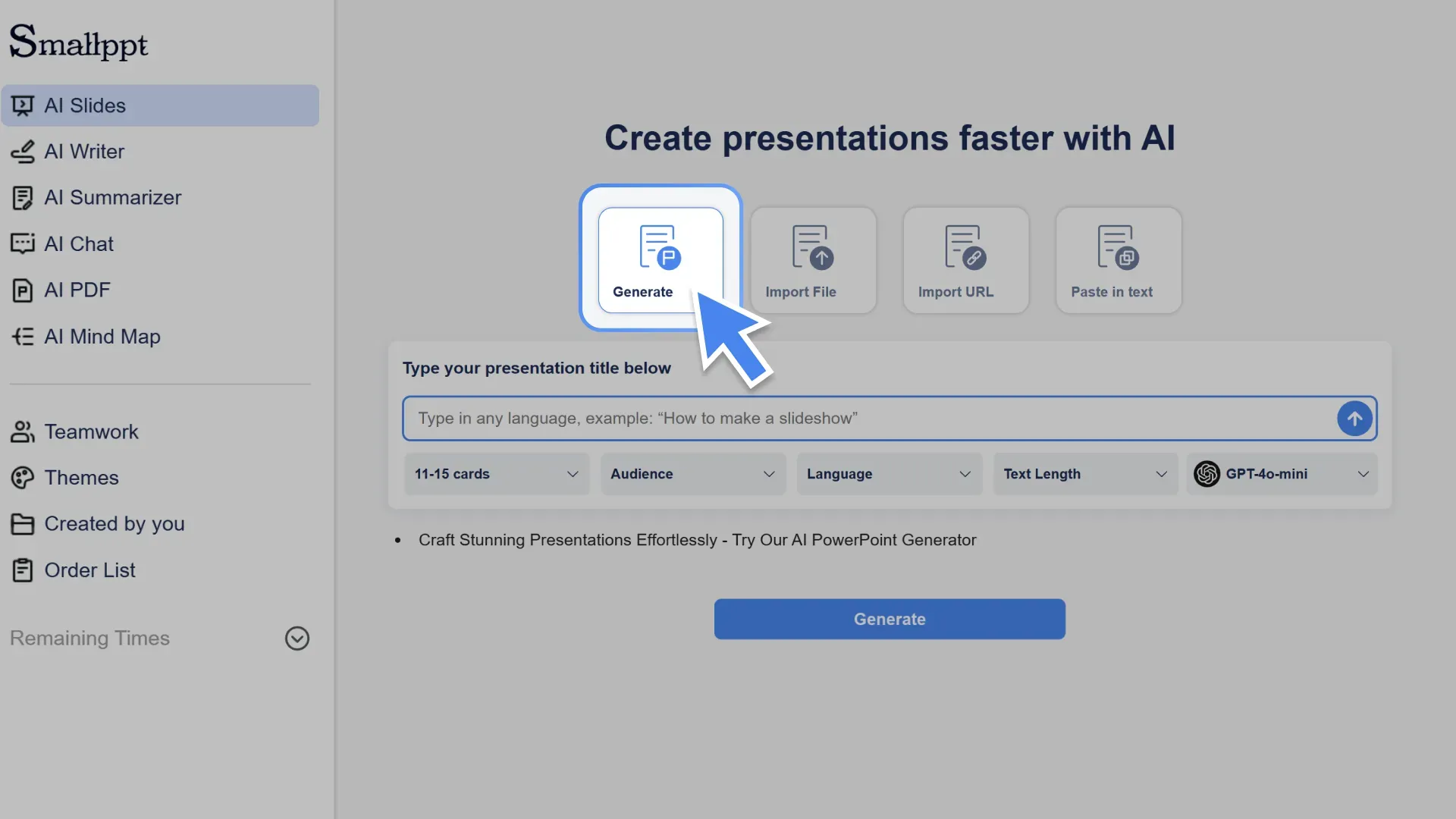
Step 1: Enter your topic
Type your idea, title, or a short description to start your presentation.
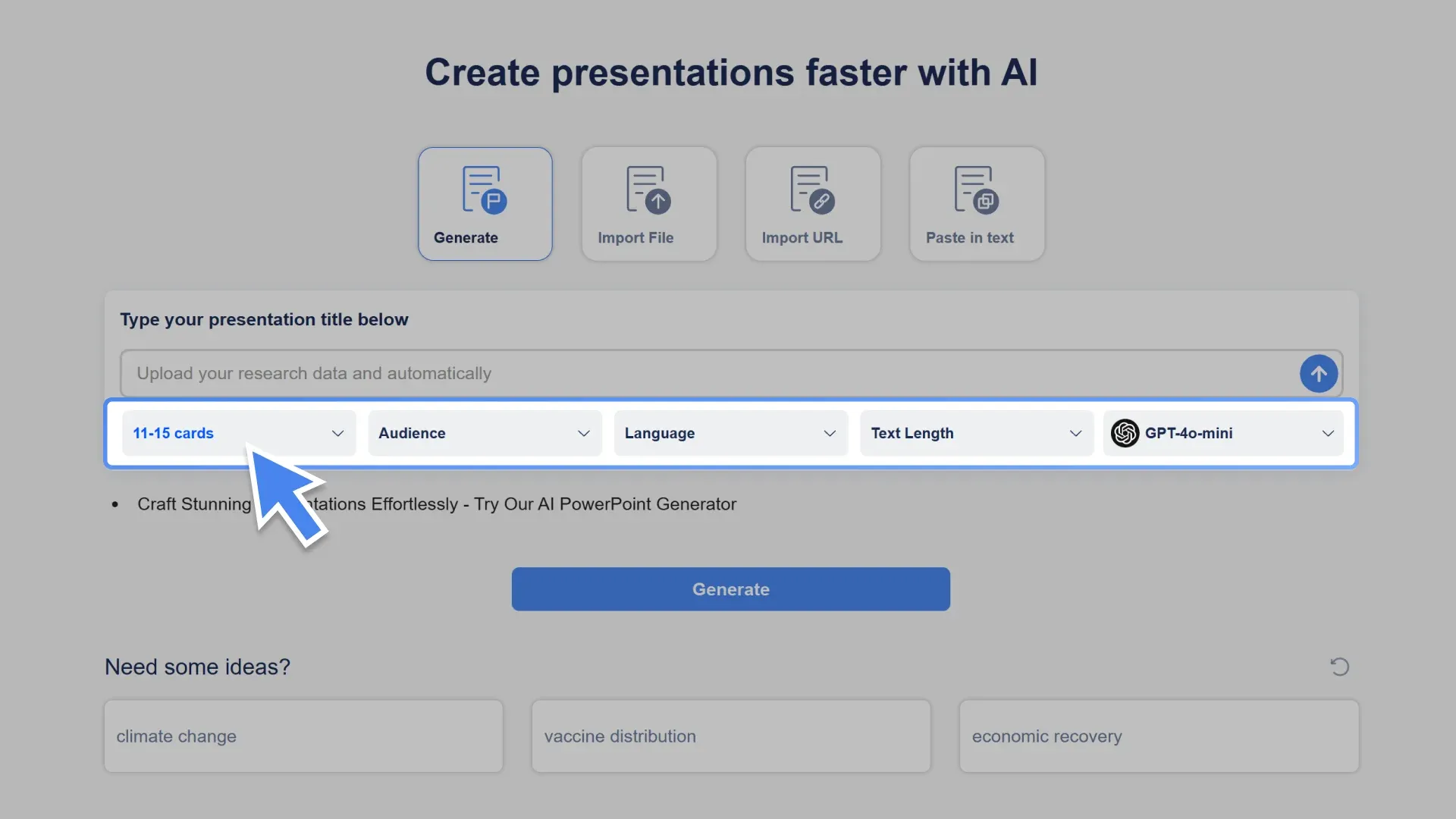
Step 2: Set your preferences
Choose slide count, language, tone, and target audience.
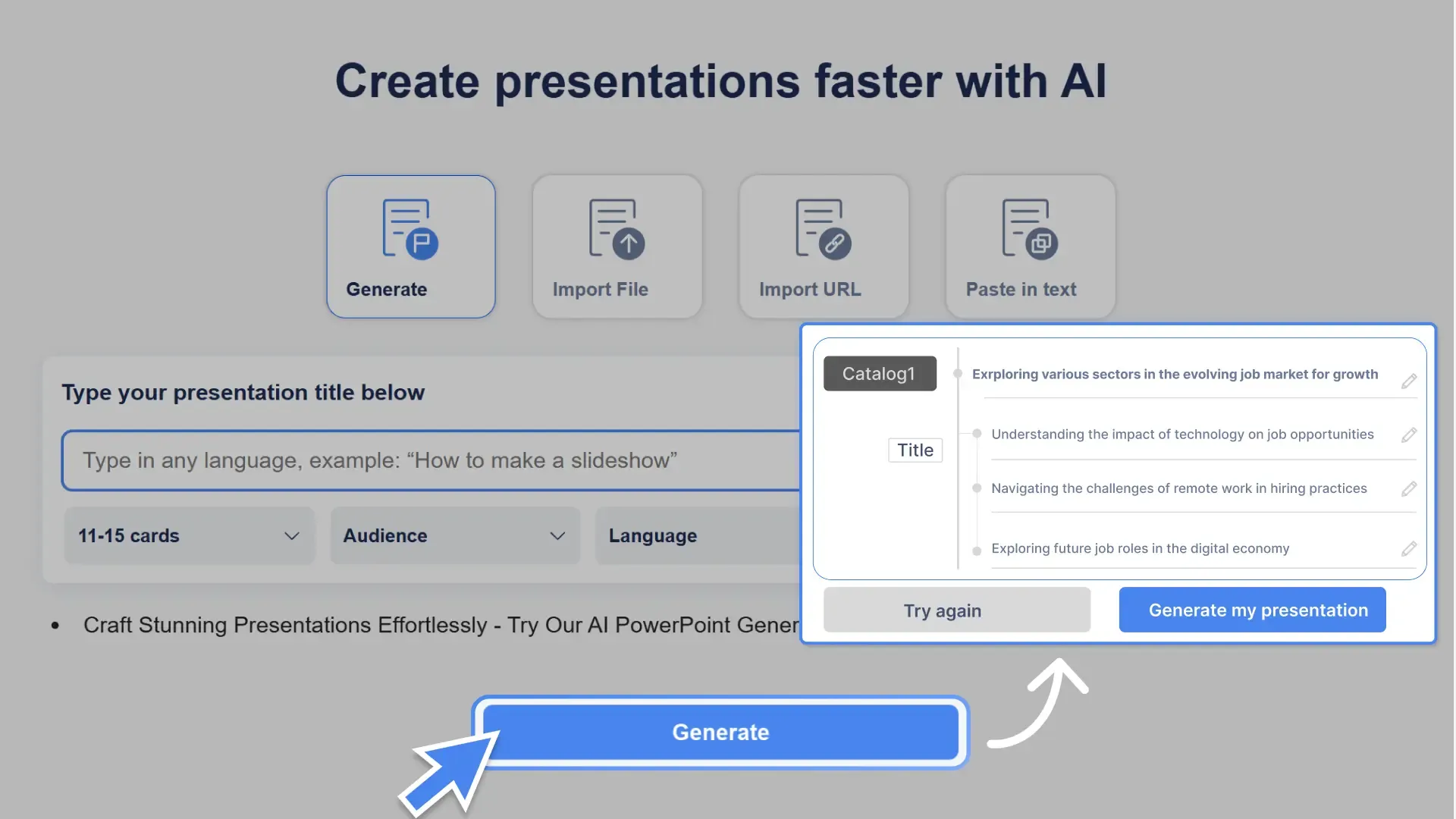
Step 3: Generate your outline
Click “Generate” and Smallppt’s AI will create a clear presentation structure.
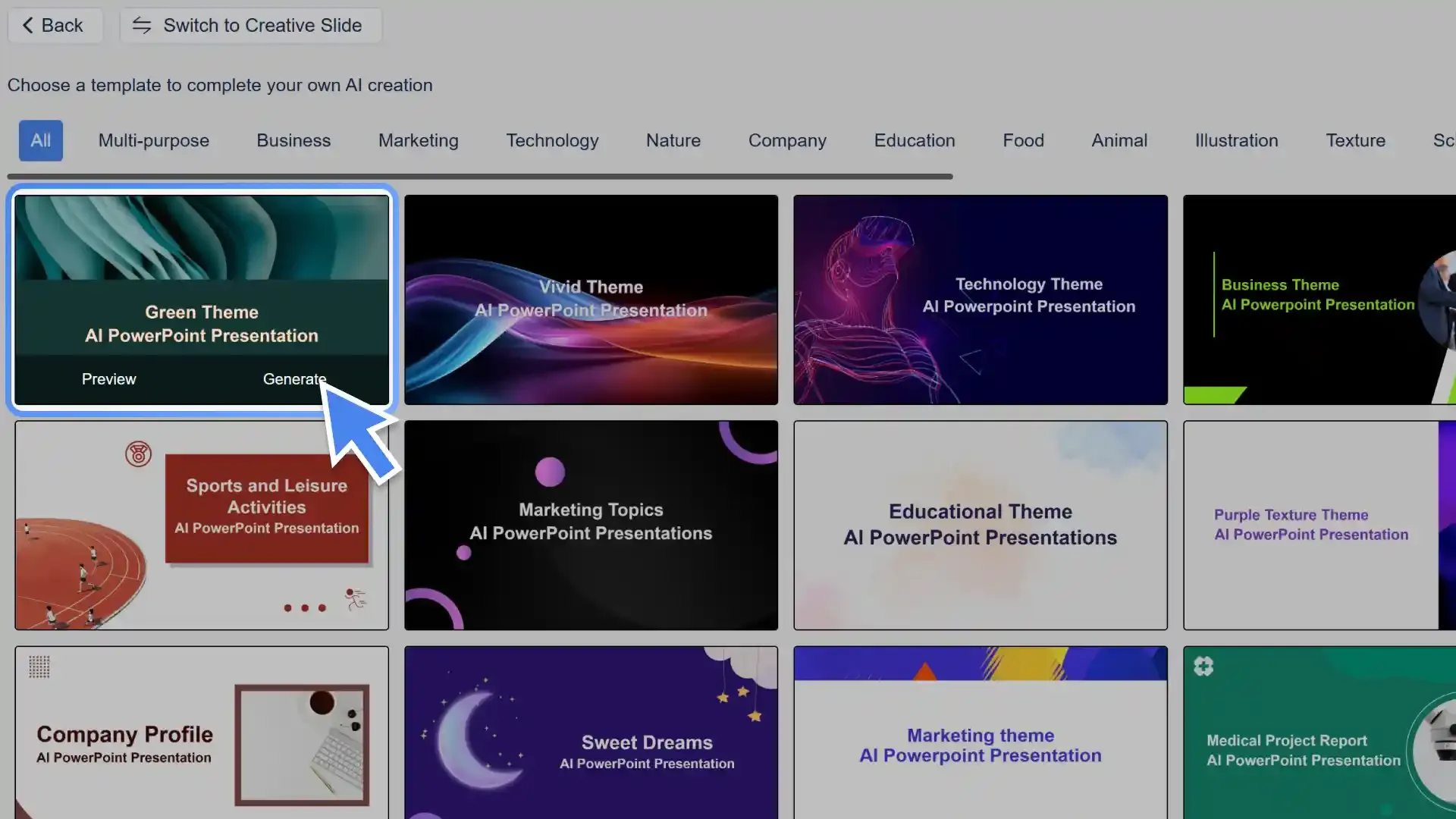
Step 4: Choose a template
Pick a slide template that fits your topic and style.
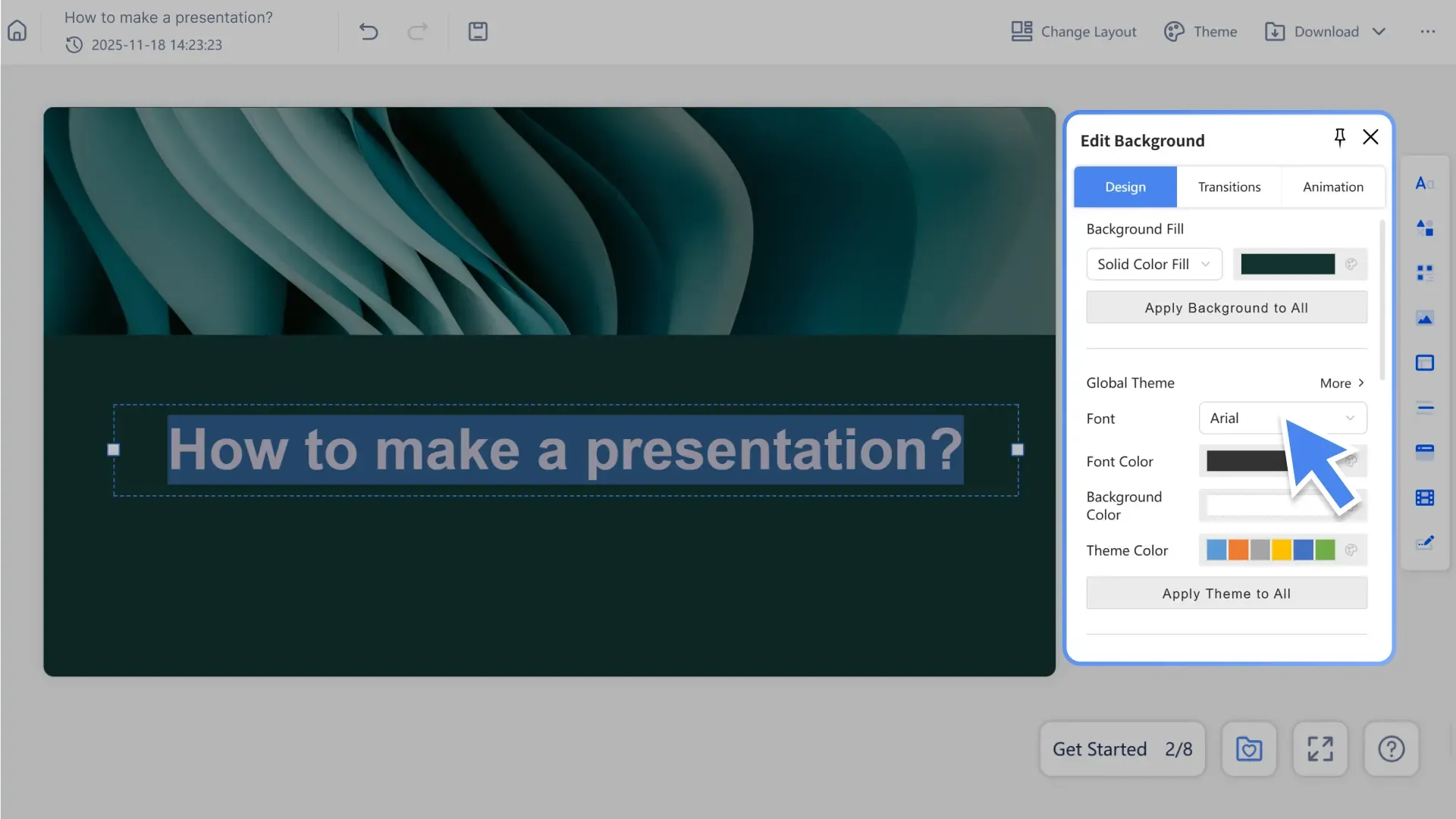
Step 5: Edit and refine
Adjust text, images, and slides in the editor to perfect your presentation.
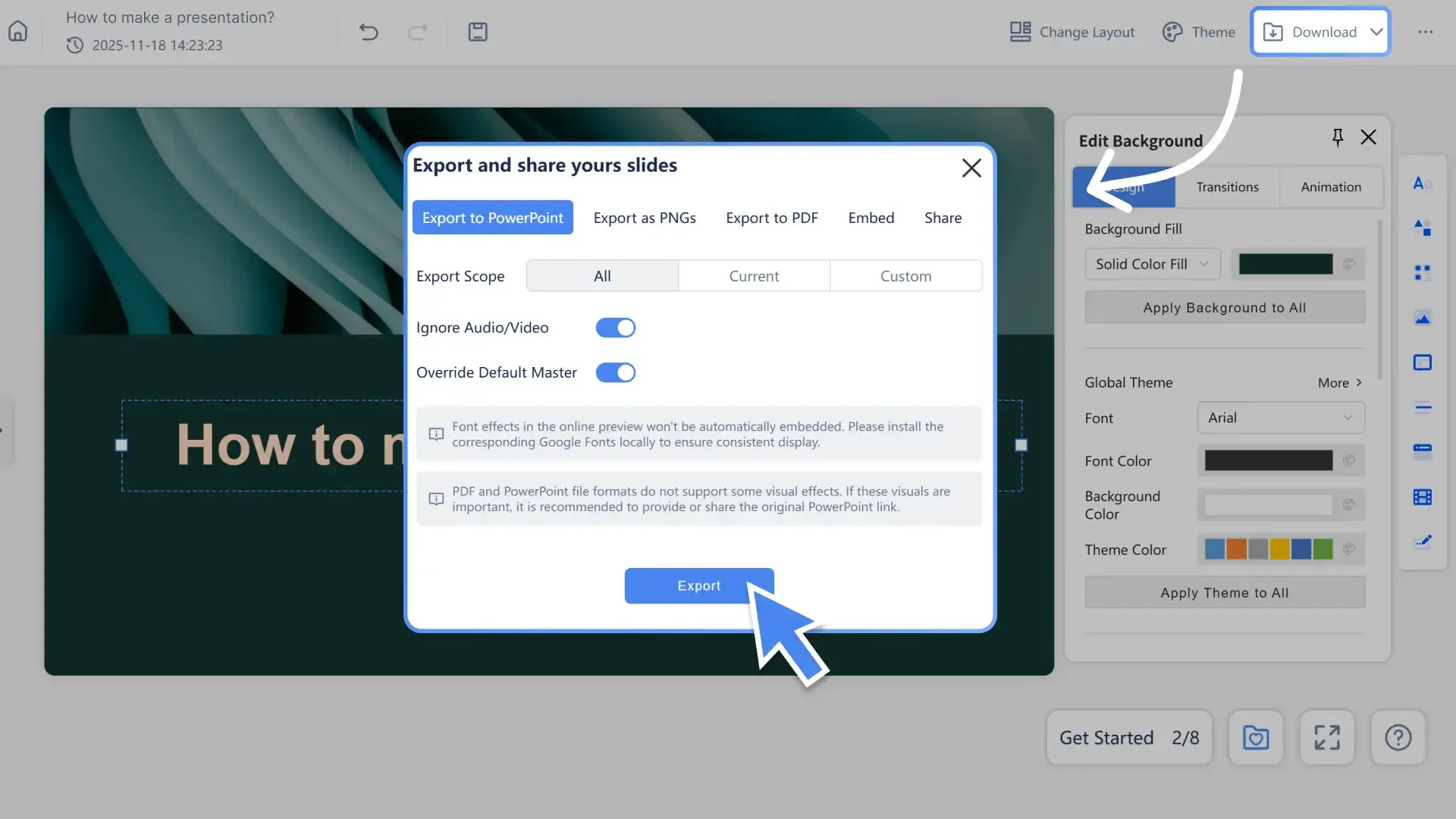
Step 6: Export or share
Download your slides as PPTX or PDF, or share them with your team.
Why Choose Smallppt

AI-Powered PowerPoint Generator
Turn ideas, text, or documents into structured presentations in seconds.

Professional Presentation Templates
Choose from a wide range of clean, modern slide designs.

Easy editing and customization
Quickly adjust layouts, text, colors, and styles in the built-in editor.

Export and share anywhere
Download as professional PowerPoint files or share via a secure link.