



Create Presentation With ChatGPT
Transform any prompt into a professional presentation in seconds.


Trusted by over 10 million users around the world





Why Use ChatGPT for Slides?

Instant Slide Creation
Type your idea and let Smallppt’s AI turn it into structured slides in seconds.

Professional Design Layouts
Smart layouts and balanced colors help you create polished presentations effortlessly.

Topic-Focused Content
AI organizes your slides to clearly match your topic and message.

Faster Workflow Automation
Slides are automatically structured and formatted to save you time.

No Learning Curve
Start creating directly in your browser—no design skills or downloads needed.
Flexible Slide Customization
Easily adjust colors, fonts, layouts, and templates.

Multilingual Presentations
Create slides in multiple languages for global audiences.
Creative Slide Ideas
AI helps you explore new ways to present your content.

Better Audience Engagement
Clear structure and visuals help your message connect with your audience.
Turn Your Ideas into Slides in 3 Simple Steps
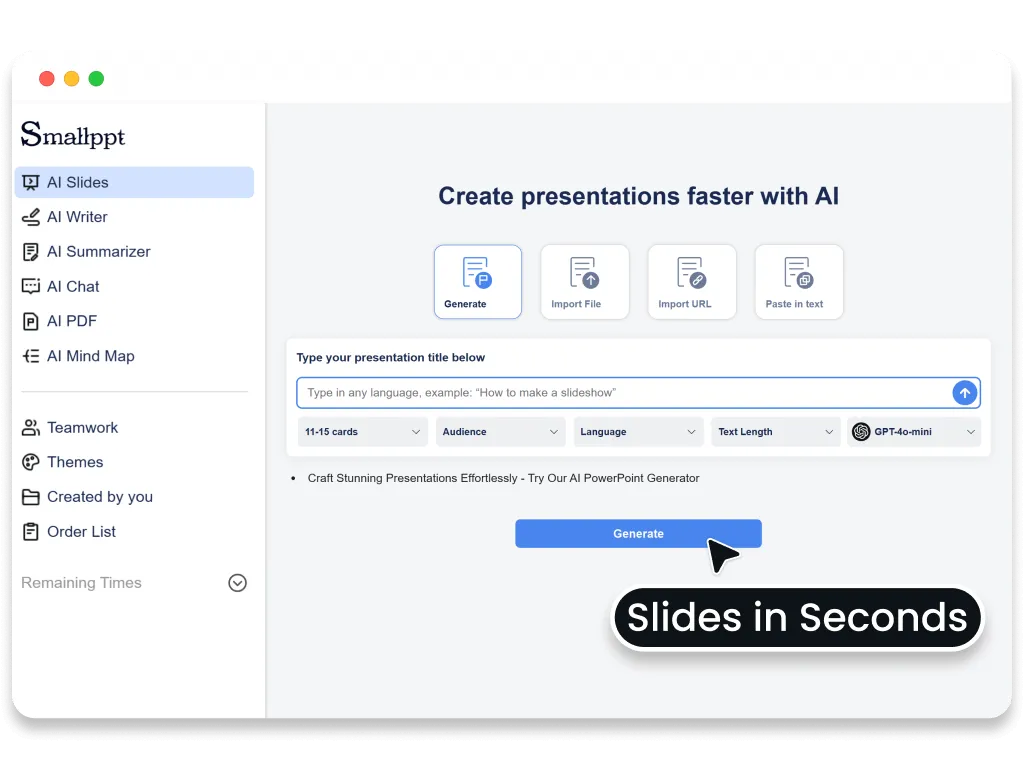
Step 1: Enter your idea
Describe your topic or paste your content, and Smallppt’s ChatGPT for slides will start building your slides.
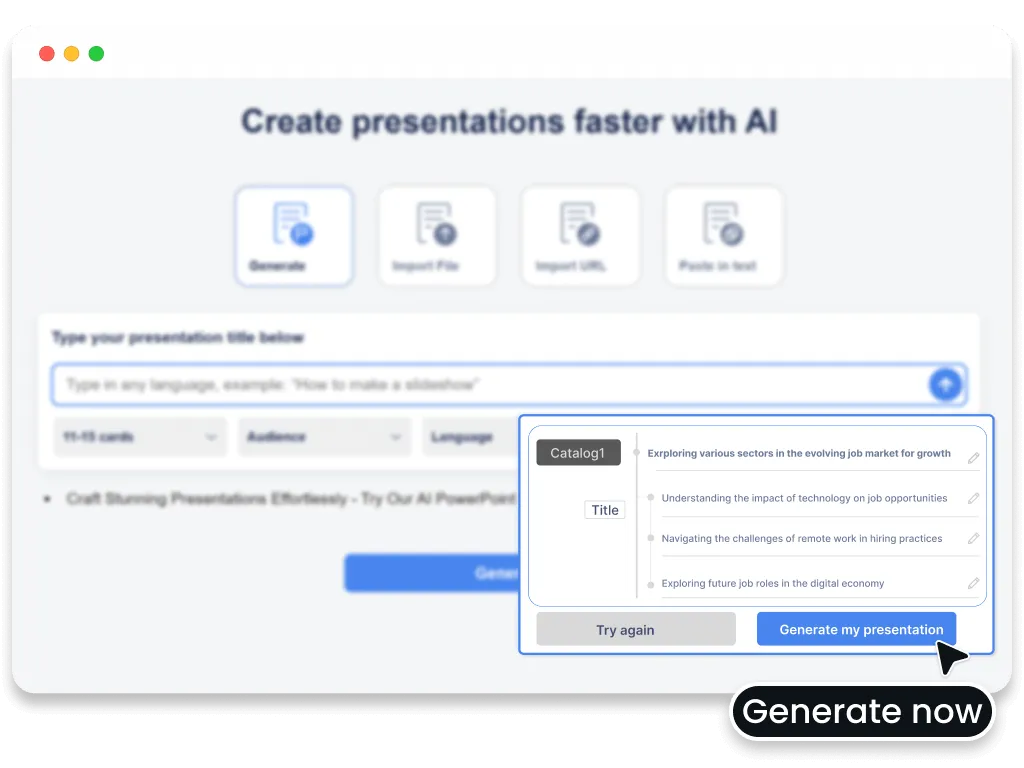
Step 2: Adjust your presentation settings
Choose your slide count, language, and presentation style to match your needs.
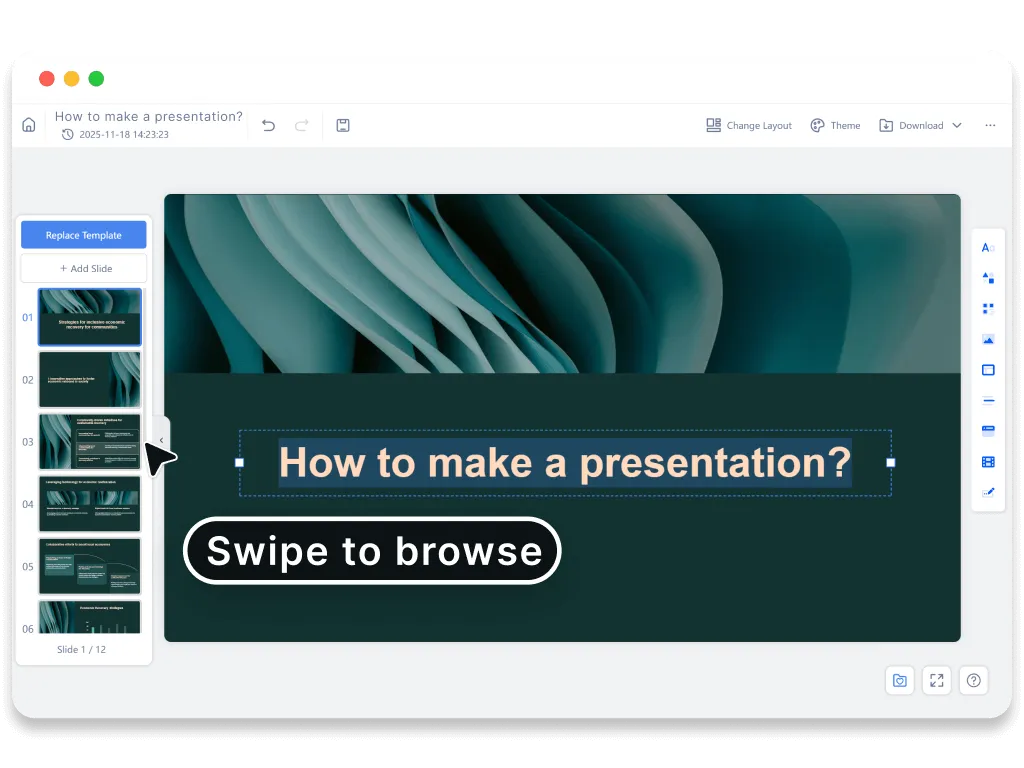
Step 3: Generate your slides instantly
Click generate, and Smallppt will turn your idea into a polished slide deck ready to edit and present.
How to Create a Presentation with Smallppt
Get started
Open Smallppt and choose AI Slides to begin.
Type in your idea
Drop your topic or concept into Smallppt’s ChatGPT presentation maker.
Set your preferences
Choose your language, number of slides, audience, tone, and text length—whatever fits your needs.
One-click to generate
Click “Generate” and your presentation will be ready in seconds.
Review and tweak
Edit the content and style until everything looks perfect.
Download
Export your presentation and share it anytime.